
Duo / Collab Scene
Create a believable duo or collab still image from two subjects. Upload Subject A and B, add an optional location or scene prompt, choose count and format, and see the credit cost before render.
- Outputs image
- From 1 credits
- 9:16 · 1:1 · 16:9
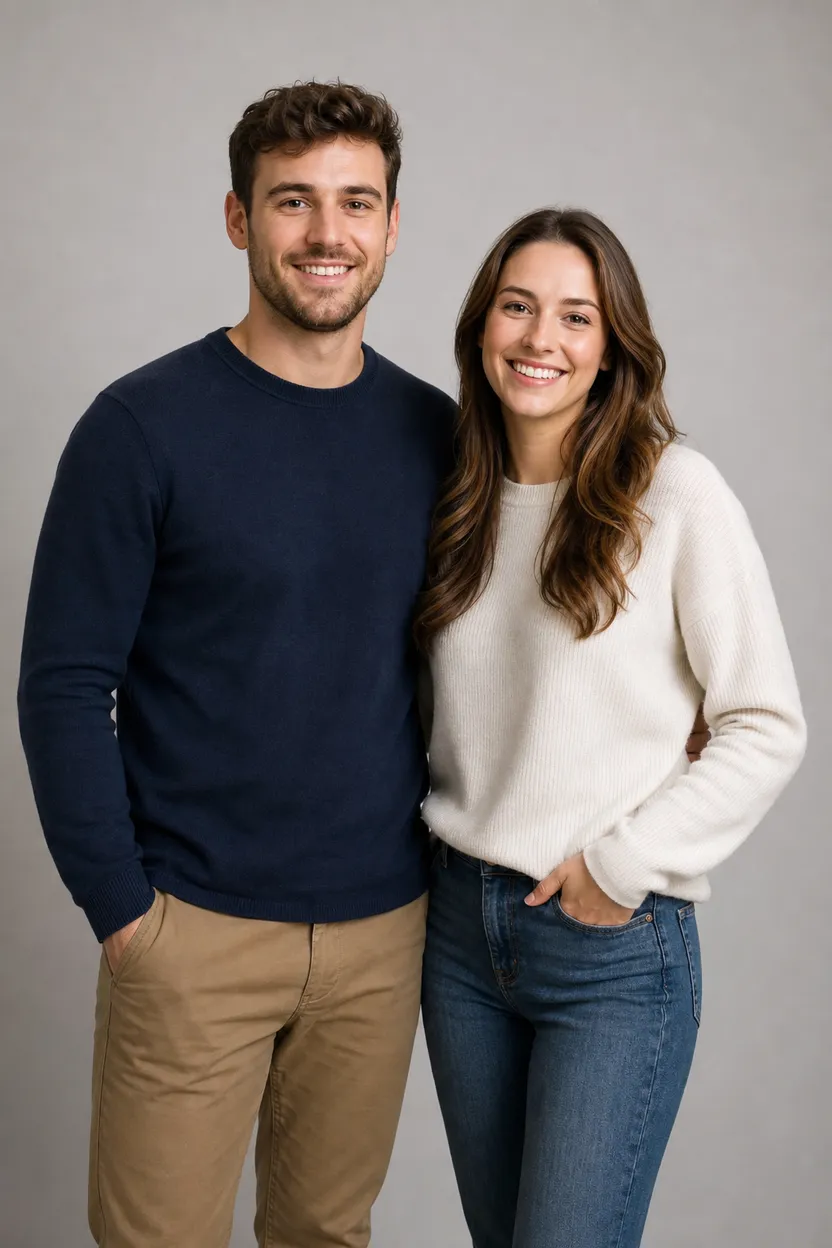
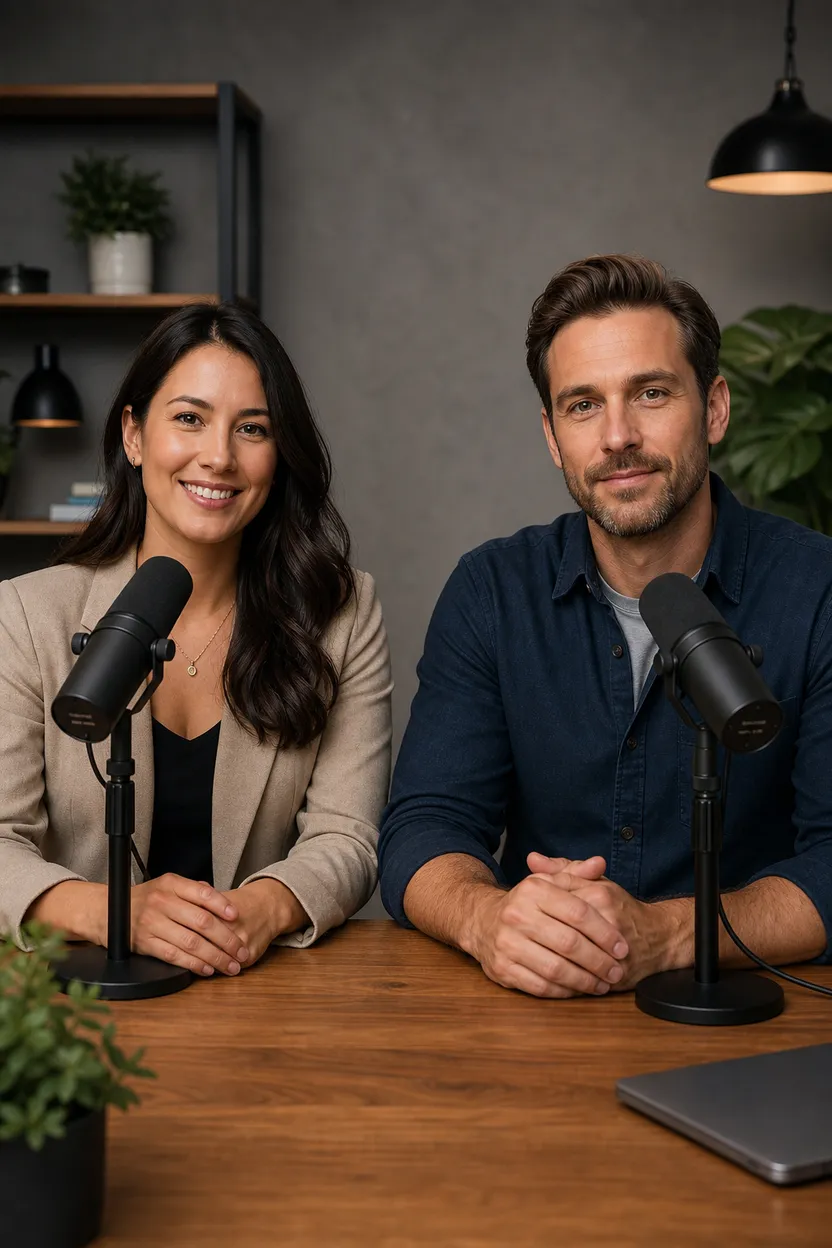

How Duo / Collab Scene works
1. Set it up
Add your subject a and subject b.
2. Choose options
Pick aspect ratio.
3. Generate
ClipRush renders your image, ready to download and post.
Mugs and Coffee Collab
This example combines a ceramic artist and coffee roaster in one workspace, useful for partnership posts or brand pairings.
Start with two subjects + optional scene
Example prompt
“Ceramic artist and coffee roaster at shared oak worktable with handmade mugs and coffee beans, warm studio light.”

FAQs
Duo Scene makes still images that place two subjects together in one scene. It can use an optional location image and scene prompt.
Duo Scene starts at 2 credits. ClipRush shows the credit cost before render, and purchased credits never expire.
Yes, Duo Scene supports 9:16, 1:1 and 16:9. You can create 1 to 4 images in a run.