
Style Templates
Apply a selected look to a source image and create a repeatable still. Upload an image, add an optional prompt, choose 9:16 or 1:1, and see the credit cost before render.
- Outputs image
- From 1 credits
- 9:16 · 1:1
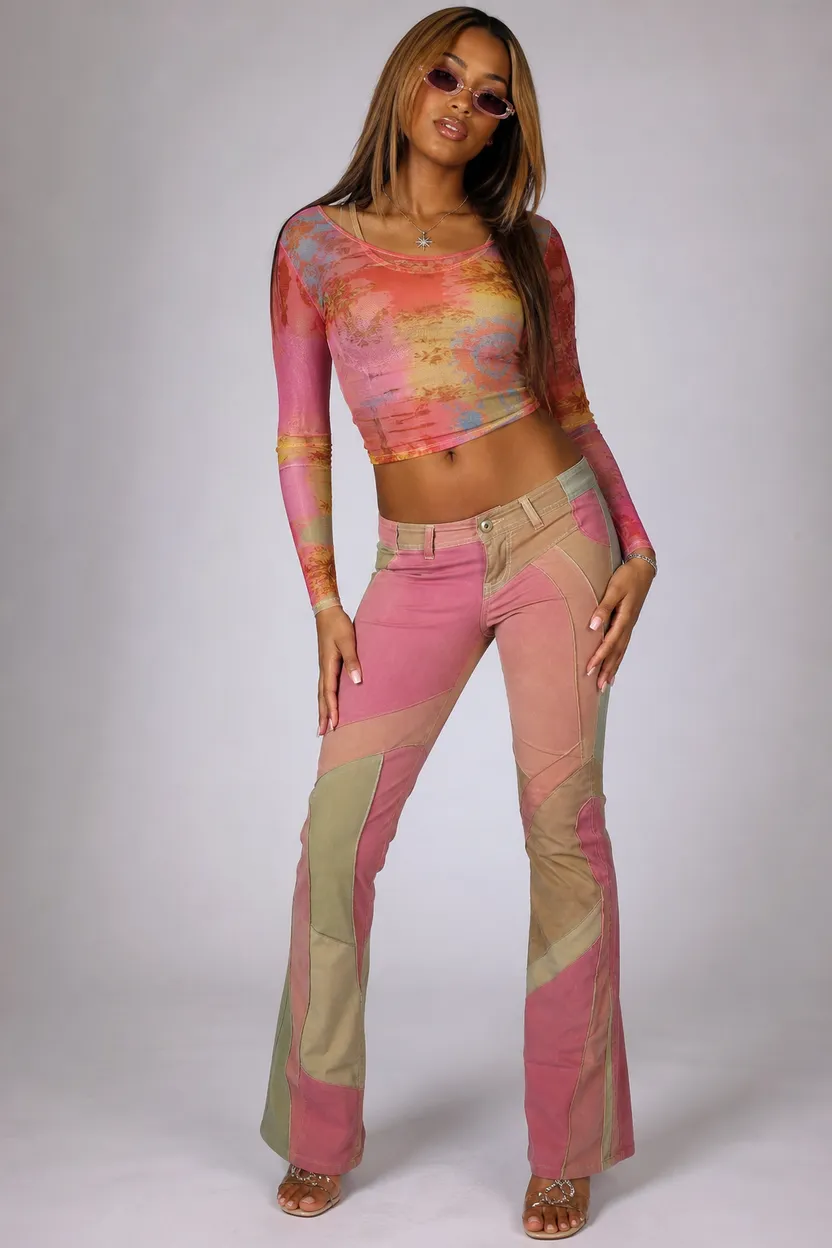
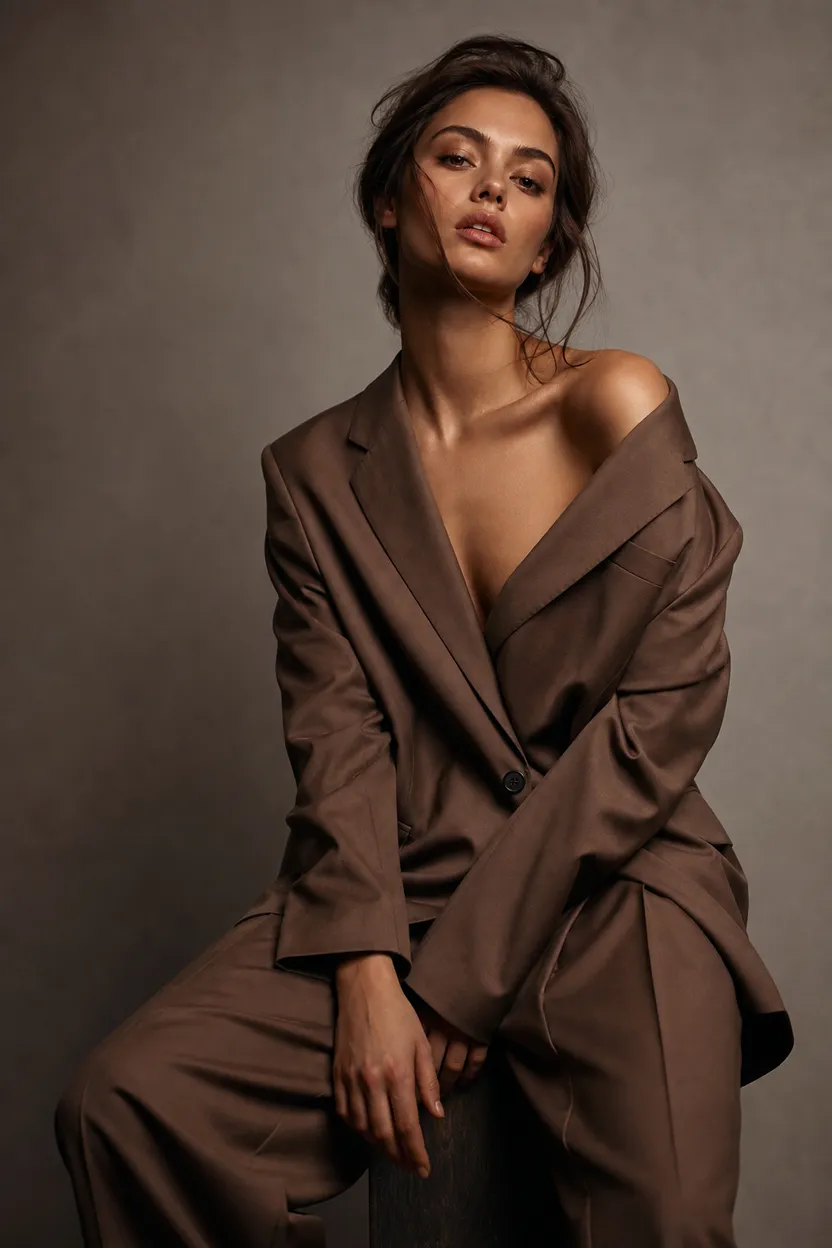
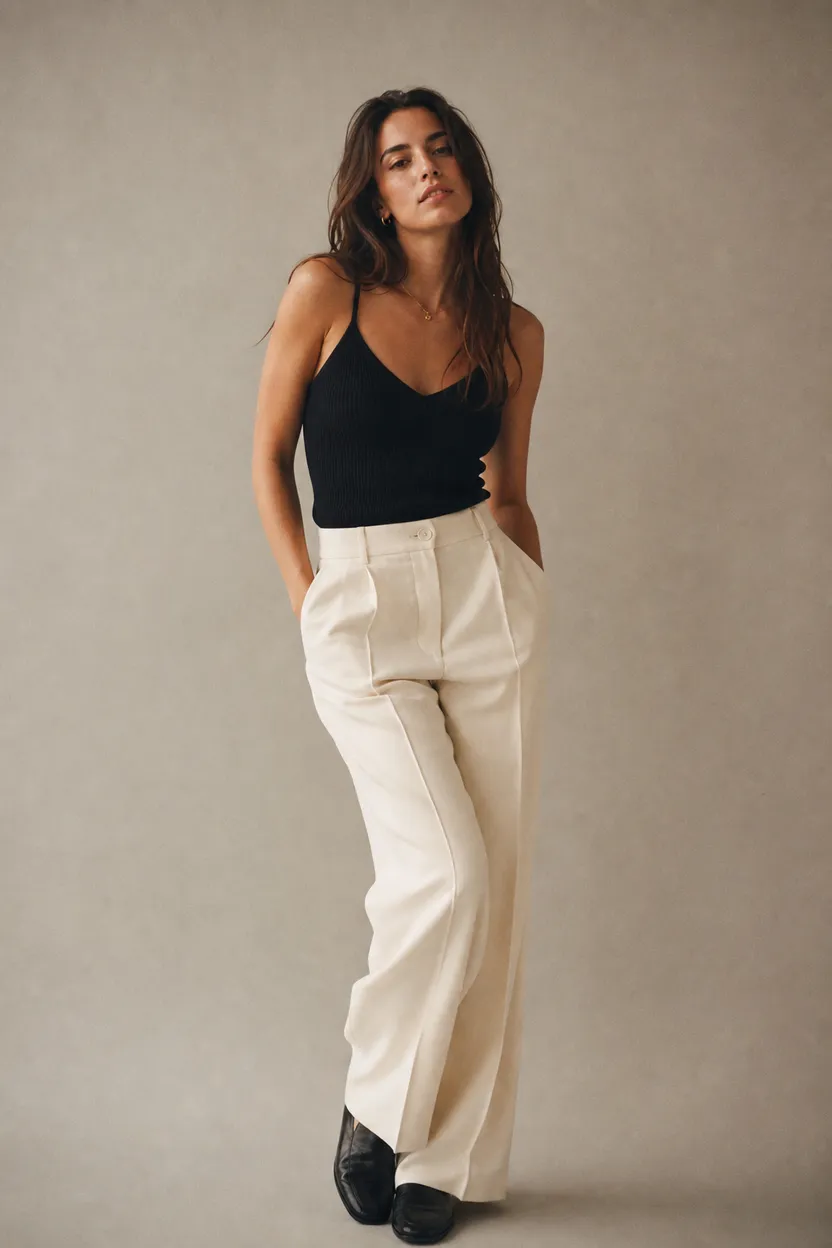
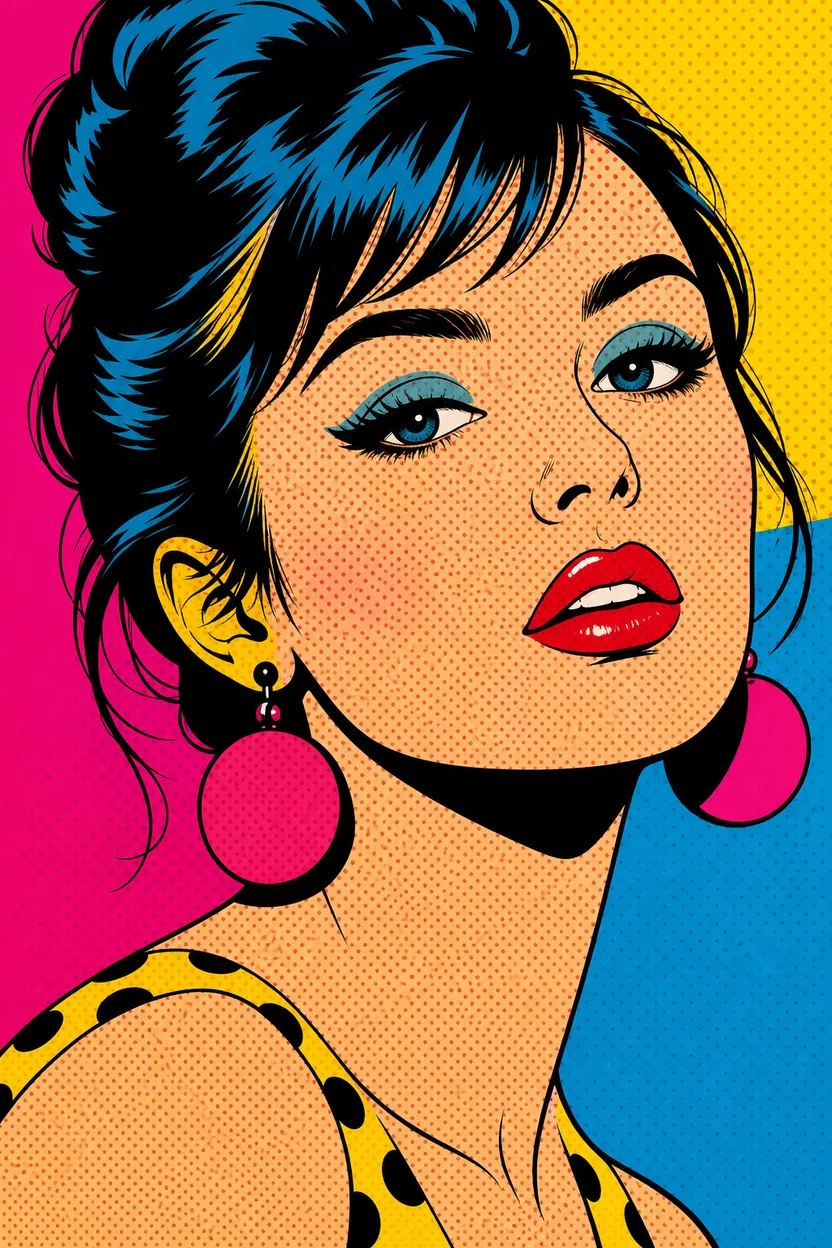
How Style Templates works
1. Set it up
Add your source image and prompt.
2. Choose options
Pick aspect ratio.
3. Generate
ClipRush renders your image, ready to download and post.
Flip Phone Look Set
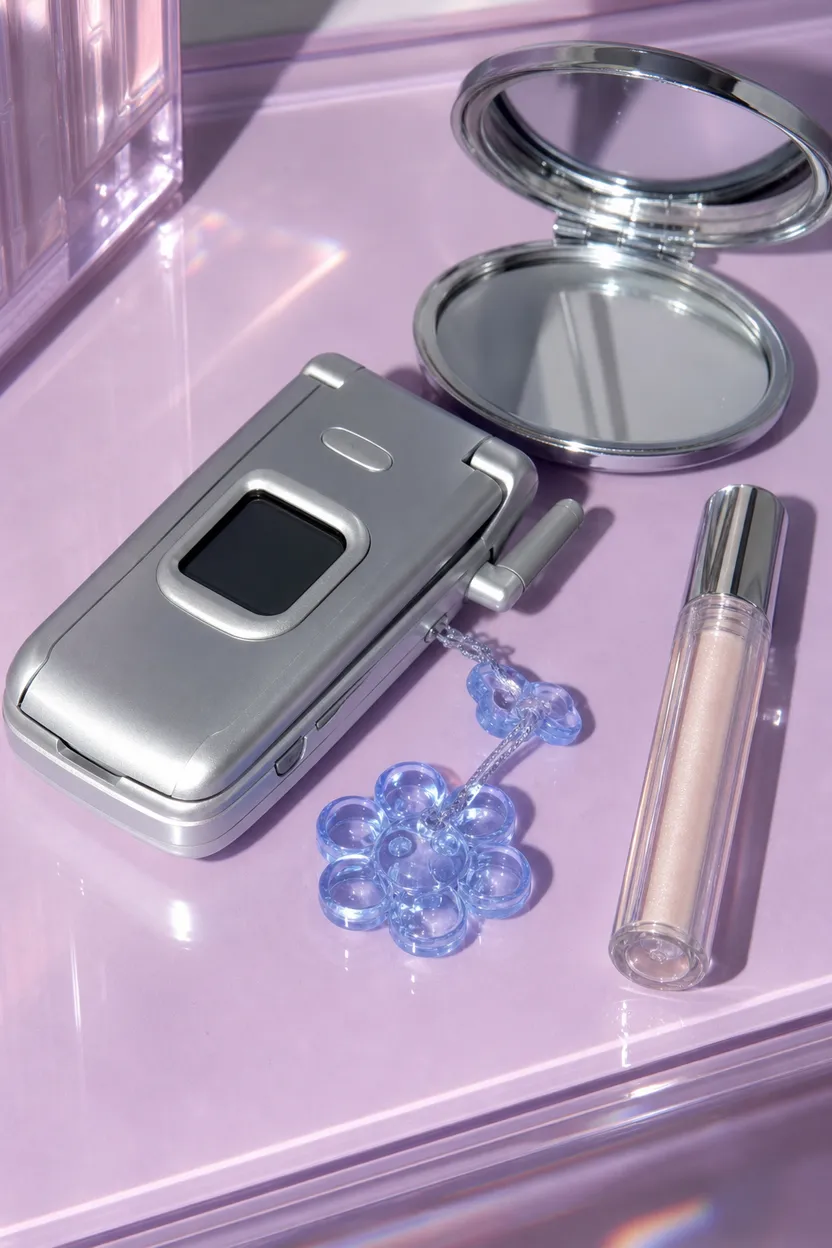
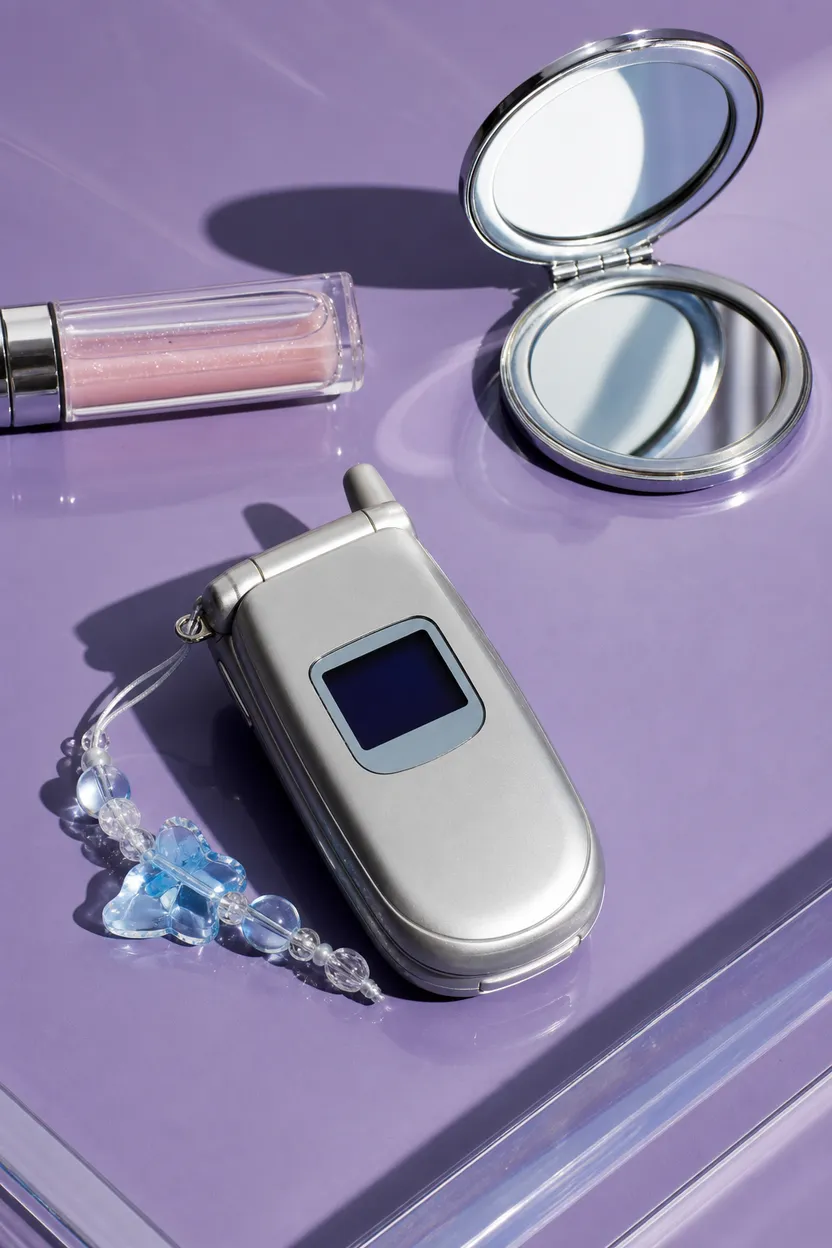
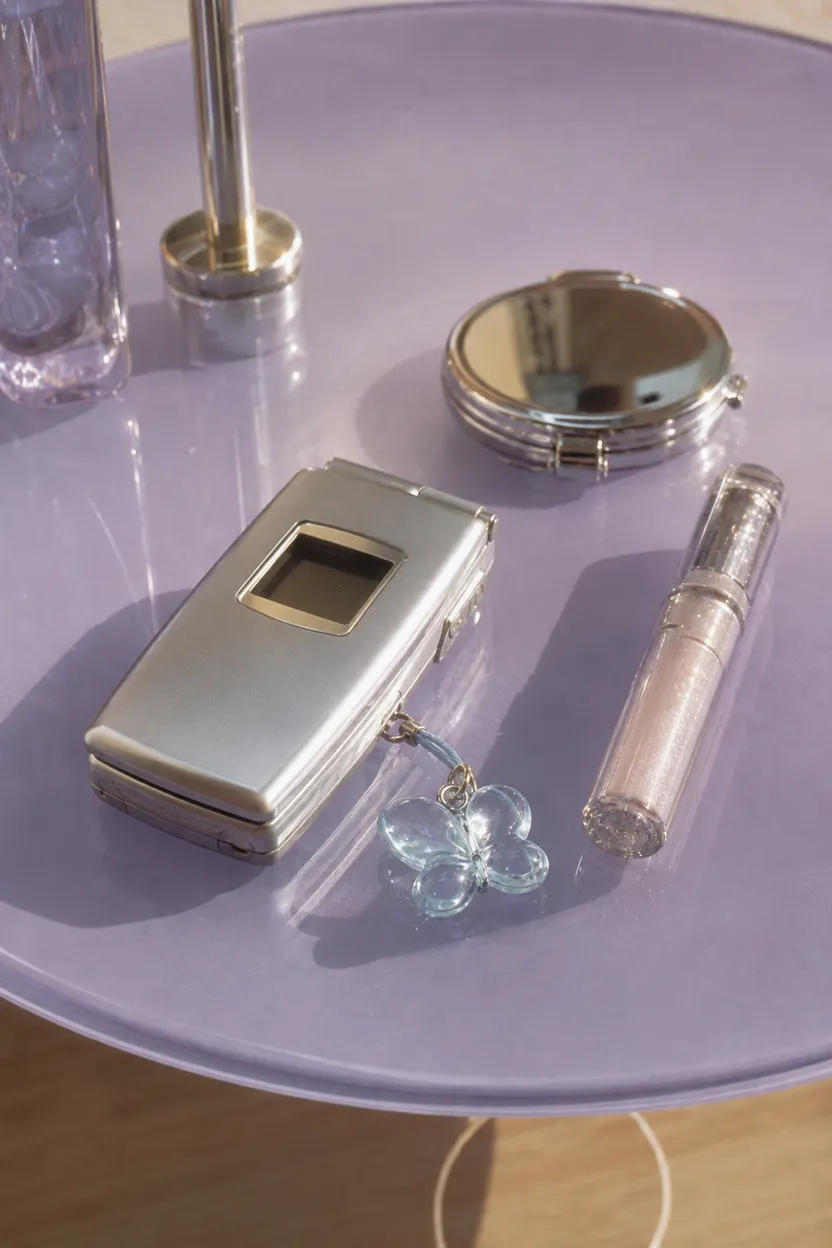
This example applies different visual looks to a silver flip phone setup, useful for comparing product post directions.
Start with a source image + optional prompt
Example prompt
“Silver flip phone with blue charm on glossy lavender table, clear lip gloss and chrome compact, clean product layout.”
FAQs
Style Templates makes a still image based on your source image and selected look. It helps keep repeated visuals consistent.
Style Templates starts at 1 credit. ClipRush shows the credit cost before render, and purchased credits never expire.
Yes, you can add an optional prompt with your source image. Outputs are available in 9:16 or 1:1.