
Create a Lip-Synced Talking Avatar
Make a presenter clip by pairing a clear portrait with your uploaded voice track. Add an optional script note to guide delivery, then ClipRush renders a lip-synced video. You see the exact credit cost before render and use one-time credit packs.
- Outputs video
- From 6 credits
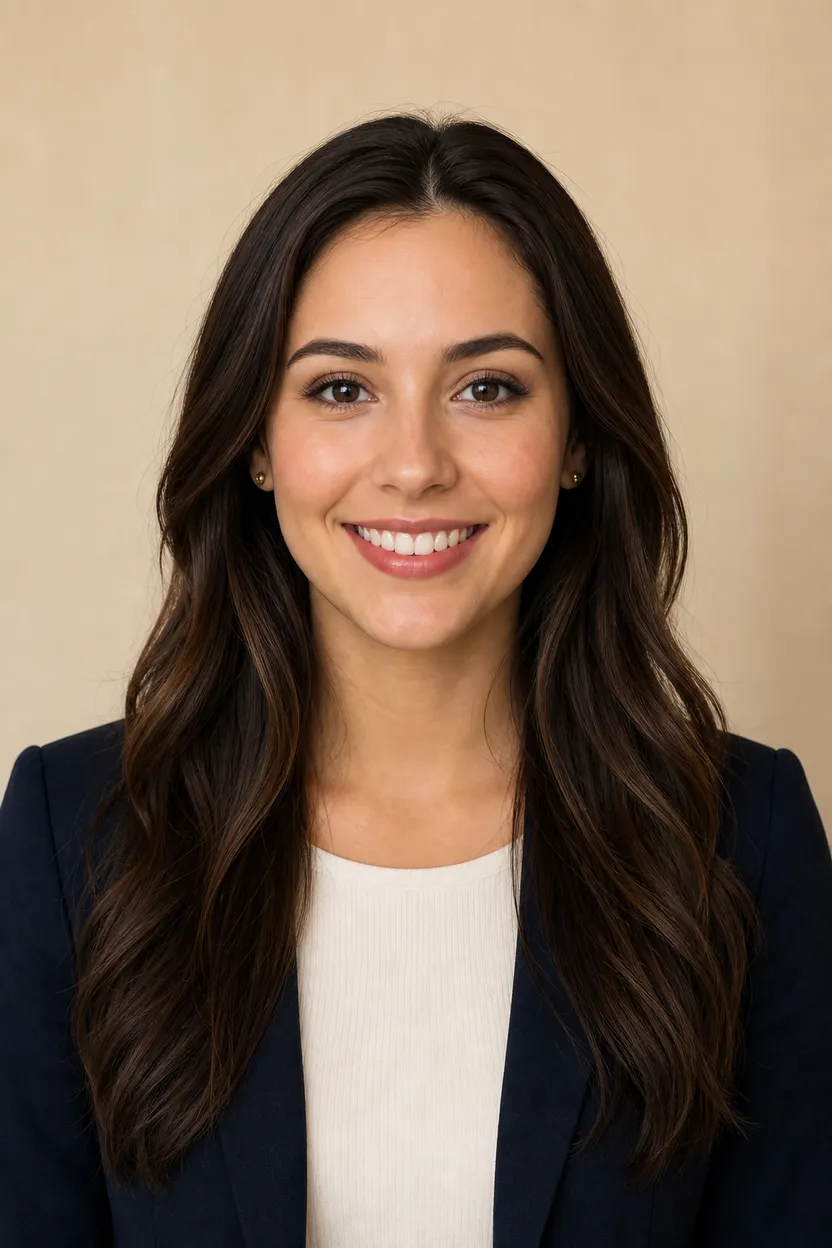
What you can do with Talking Avatar
Portrait to presenter
Create a talking presenter clip from a clear, front-facing face image and an uploaded voice track.
Lip-synced output
ClipRush matches the face movement to the uploaded voice track to make a presenter video.
Optional script note
Add a script note when you want to give guidance for the delivery of the clip.
Credit cost upfront
The exact credit cost is shown before you render, so you can approve the spend first.
Brand-safe use
ClipRush uses content-safe models only, with no NSFW outputs and no deepfakes.
How Talking Avatar works
1. Upload the face
Add a clear, front-facing portrait image for the presenter face.
2. Upload the voice track
Add your voiceover audio file and, if helpful, an optional script note for delivery guidance.
3. Render the presenter
Review the credit cost, render the lip-synced presenter clip, and export the finished video.
Home Office Presenter Clip
This example turns a presenter portrait into a lip-synced clip from uploaded speech, useful for updates when the audio is ready.
Start with a portrait + uploaded audio
Example prompt
“Microsoft has achieved incredible success in the tech industry.”

FAQs
The talking avatar tool makes a lip-synced presenter video from a portrait and an uploaded voice track. You can also add an optional script note.
Talking avatar starts at 6 credits per base render, and the exact cost is shown before you render. One credit balance works across ClipRush tools.
You need a clear, front-facing presenter face image and a voiceover audio file to upload. A script note is optional.
Start by buying a one-time credit pack from $4.99, then upload the portrait and voice track. Credits never expire.
Use talking avatar for a presenter clip with a face and uploaded voice track. Use text to video when you want to create a visual scene from a prompt.
Yes, ClipRush uses content-safe models only, blocks NSFW outputs and does not support deepfakes. Use faces and voice tracks you have rights to use.